
Amazon AWS provides Free Tier for all the customers who want to test the cloud services. You can create an account at http://aws.com/ with a credit card. That gives almost 12 months of free usage in the cloud services but how do you track the free Tier usage in Aws console?
First, you have to log in to AWS console using the Root account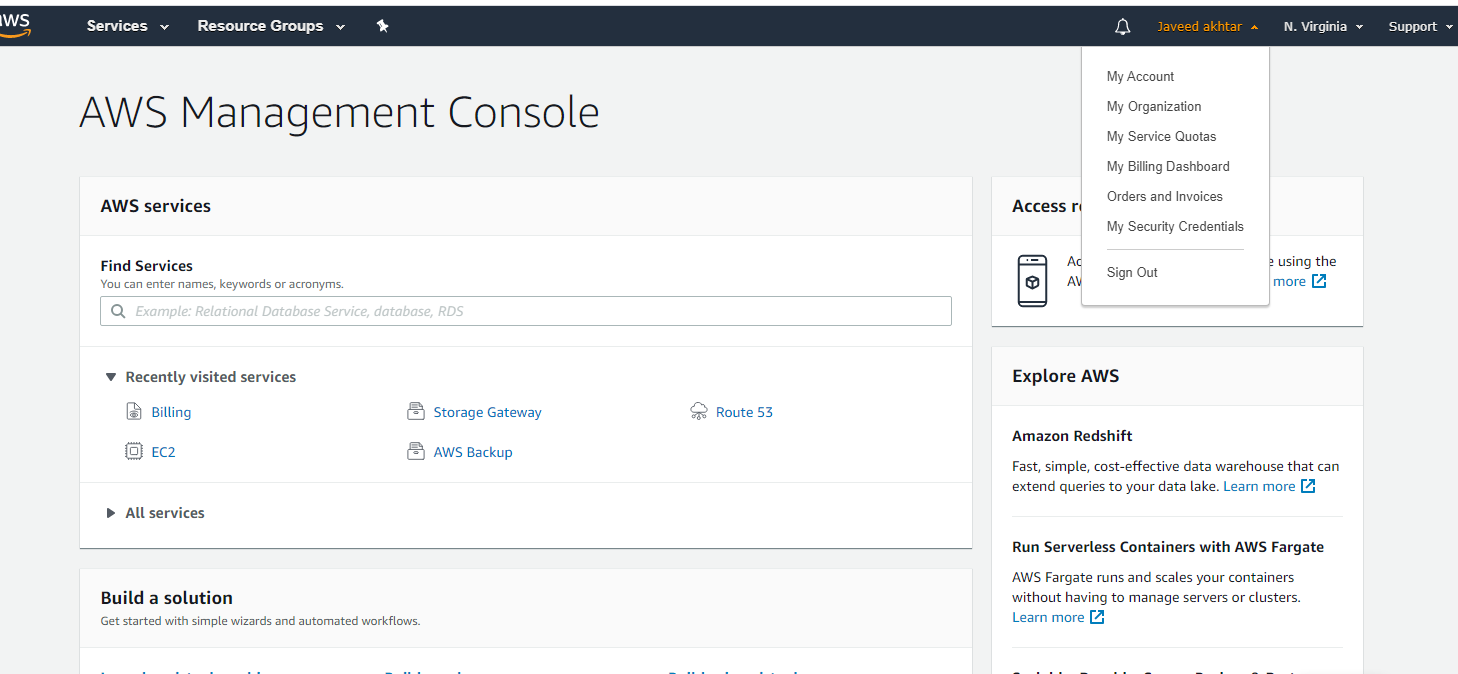
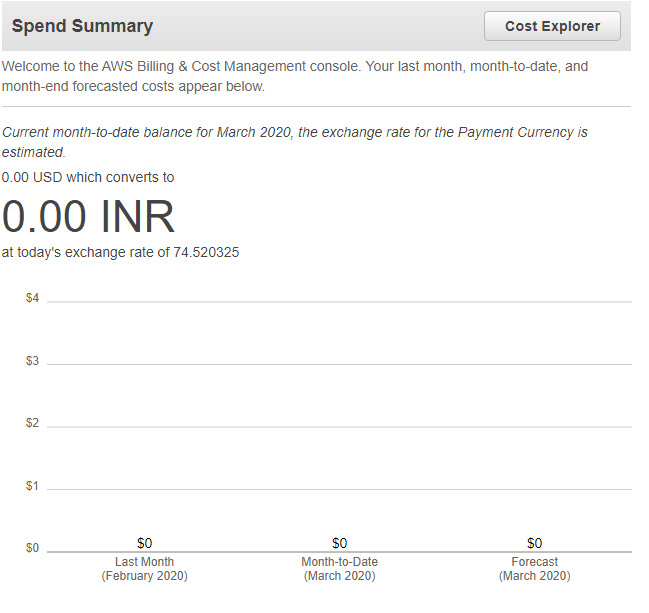
After logging Click My billing Dashboard ( Which shows all the billing information as well as usage information ). You can find two tabs
- Spending Summary
- Top Free Tier Services by Usage
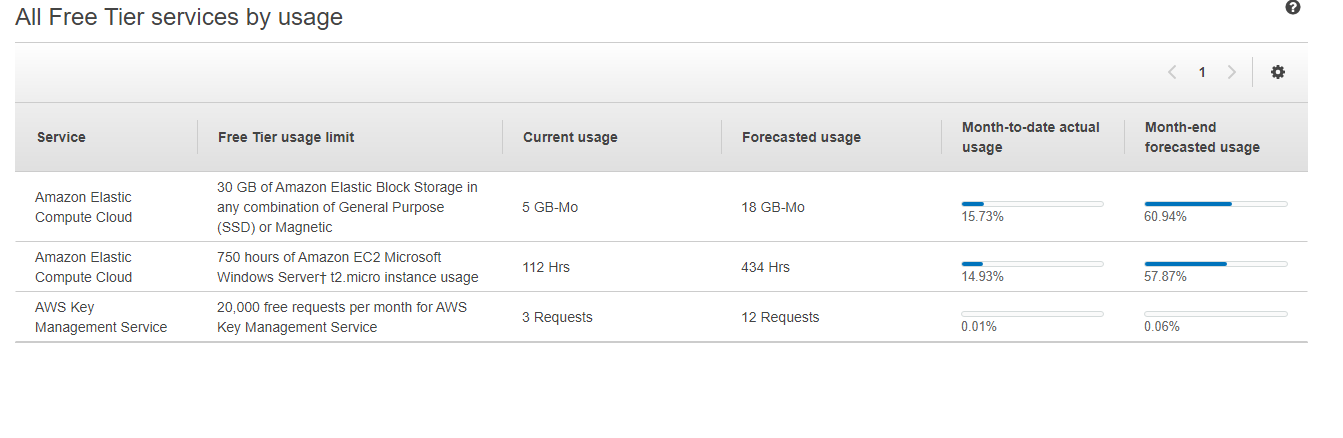
Billing does not require region selection. it shows all the region’s Spending summary and usage summary. You can also create alerts and notification for Usage limit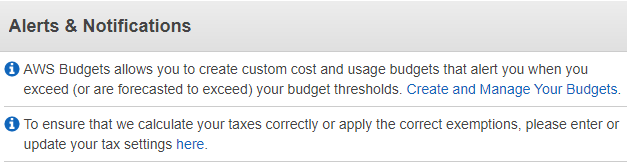
This is how you can track free Tier usage in Aws console
Do Remember that! You have to shut down the instance ( server) after the work, if not it will reduce your free Tier hours.
List of Free Tier Limits in AWS Amazon.
- 750 Hours of EC2
- 5GB of S3 Storage
- 750 hours of Amazon RDS
- 25 Gb of DynamoDB
- 250 Hours of Sage maker
- 1 Million free request for Lambda
- 750 Hours of Lightscale
- 30 days of Guard Duty
- 1,000,000 Publishes of SnS
- 10 custom metrics and alarms ForAmazon Cloud Watch
- 1 Million API Calls Received per month API Gateway
- 40 Hours of AppStream 2.0
- 1 GB Cloud Directory Amazon
- 50 GB Space of Amazon CloudFront
- 50,000 MAU of Cognito
- 125 Hours of GameLift
- 40 Hours of WorkSpaces
- 750 Hours of Database Migration Service
- 250 device minutes of Device Farm
- 750 hours of Amazon Elastic Load Balancing
- 20,000 Free request for AWS Key Management Service
- 1 Million objects stored in the AWS Glue Data Catalog
- 2,500 message evaluations per month For IoT Events
- 5,000 steps per month For IoT Things Graph
- 7,500 500 node hours (which equals 10 nodes) per month OpsWorks for Puppet Enterprise
For detailed information please click here https://aws.amazon.com/free/
More information Subscribe to 143Tech